
Configure portchannel on Cisco 9500
Portchannel is Cisco’s implementation of the EtherChannel technology, (usually) based on the 802.3ad standard).
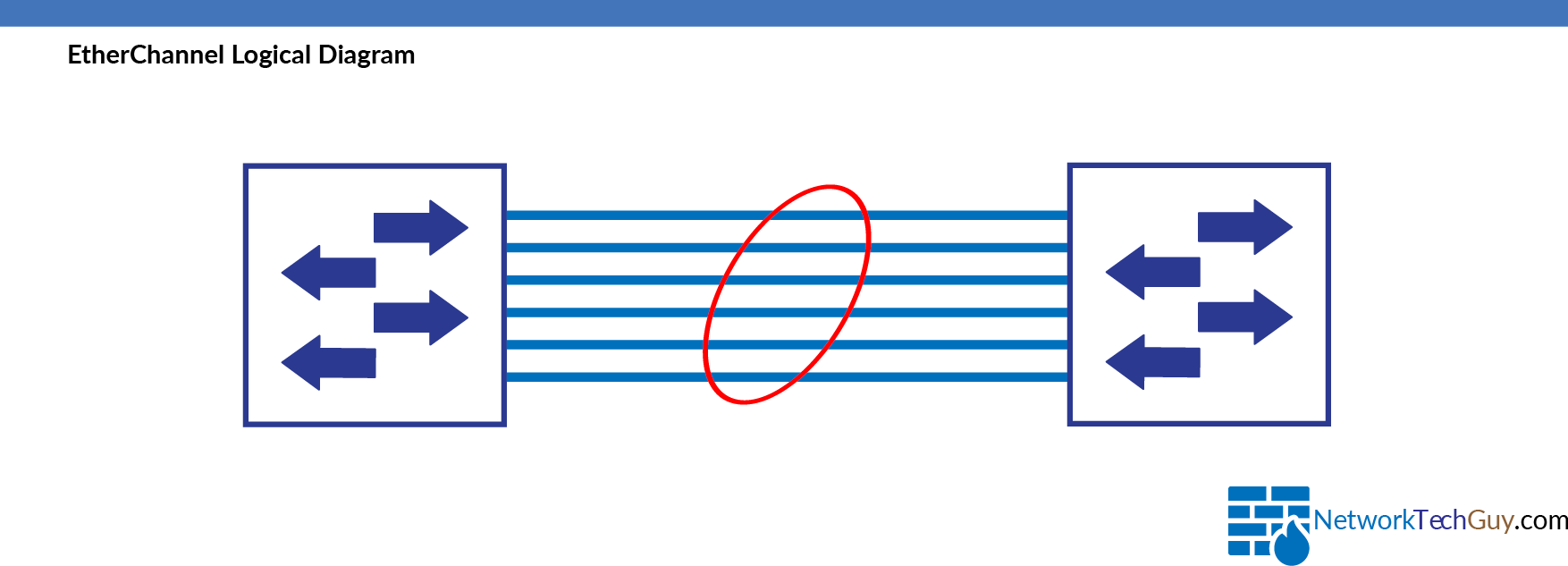
Step-by-step guide #
Portchannel configuration #
To configure portchannel on Cisco 9500, first create a portchannel interface:
!
interface Port-channel1
 description *** Port-Channel to XYZ***
 switchport
 switchport mode trunk
 switchport nonegotiate
 logging event bundle-status
!
After that configure an interface and match the channel-group with the portchannel ID.
!
interface TwentyFiveGigE1/0/5
 description *** Port-Channel to XYZ***
 switchport
 switchport mode trunk
 switchport nonegotiate
 logging event link-status
 logging event trunk-status
 logging event bundle-status
 udld port aggressive
 channel-protocol lacp
 channel-group 1 mode active
 service-policy input AutoQos-4.0-Trust-Cos-Input-Policy
 service-policy output AutoQos-4.0-Output-Policy
!
Please note that all the ports on the C9500 series are configured as
routed portsby default, so we need to manually configure them asswitchportif we want to use them asL2 interfaces.
Some of the parameters used in this example are optional (such as description, service-policy and logging event parameters), while others are mandatory.
At minimum, you should configure switchport parameter, what channel-protocol you will be using and what channel-group the port belongs to.
Comments (0)
No comments yet. Be the first to comment.
Leave a comment
Privacy: your name and comment are shown once published. Your e-mail address is never shown or passed on; it is used for the confirmation link and to recognise your later comments, and is deleted when you have no comments left here. Comments that are never confirmed are deleted after 7 days. Confirming sets a cookie in this browser so that it does not ask again.