Configure StackWise Virtual on Cisco 9500
StackWise Virtual is a Cisco proprietary technology that we use on their newer high-end switches to enable stacking. In the past we had to use special Cisco stacking cables to enable stacking. With the newer Cisco models, we can achieve pretty much the same functionality through SWV.
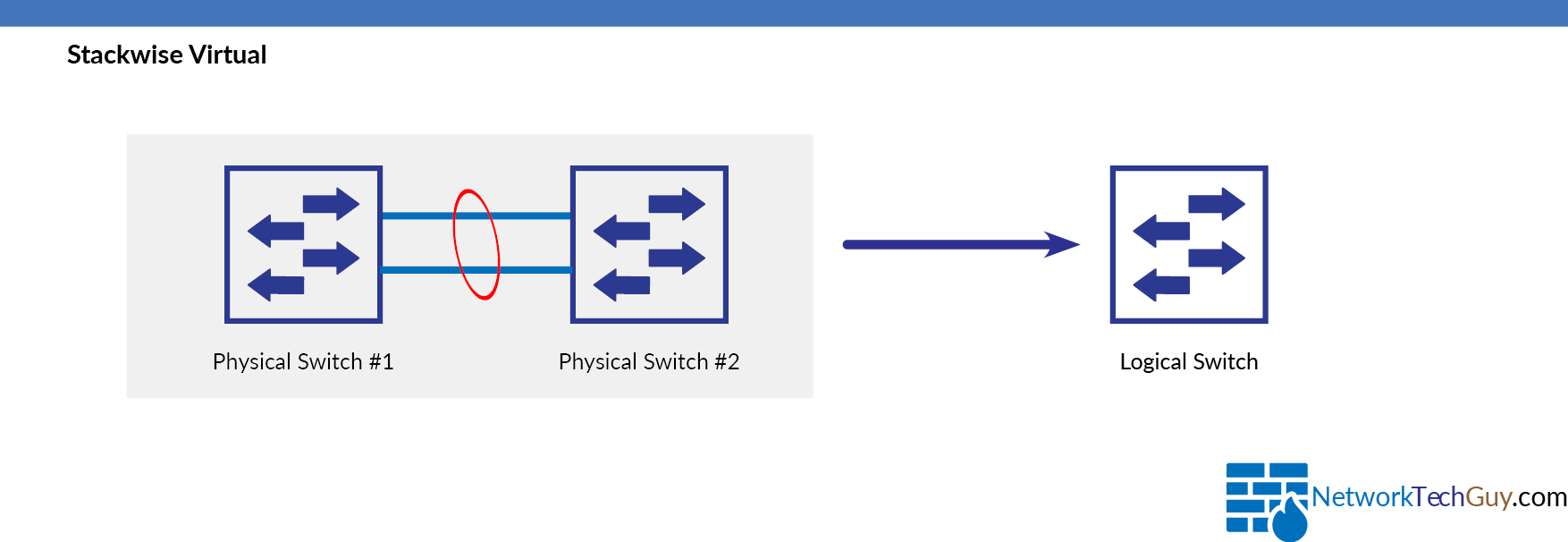
As per Cisco:
Cisco StackWise Virtualis a network system virtualization technology that pairs two switches into one virtual switch.
Step-by-step guide
StackWise Configuration
To configure SWV on Cisco 9500, first we need to enable the functionality and assign a domain to the switch:
!
stackwise-virtual
 domain 100
!
Domains need to match on all the switches participating in SWV!
For SWV to be work, we need to assign the proper configuration to a minimum of two interfaces, but it is recommended to use at least 3 interfaces.
SVL is established using the 100G, 25G, 40G or 10G interfaces depending on the switch models. However, a combination of two different speeds is not supported.
Take a look at the following configuration:
!
interface TwentyFiveGigE1/0/48
 stackwise-virtual dual-active-detection
 !
 interface HundredGigE1/0/49
 stackwise-virtual link 1
 !
 interface HundredGigE1/0/50
 stackwise-virtual link 1
 !
!
In this case we are using 2 ports for data traffic (interfaces HundredGigE1/0/49 and 50) and one interface for dual-active-detection (TwentyFiveGigE1/0/48).
Member discussion